Attract

Look professional to candidates. Keep every applicant.

Give candidates a clear place to apply, and keep every application in a Talent Pool that belongs to your organisation alone.

The problem

Good candidates notice a messy process.

Candidates judge you on how you hire. Scattered posts and silent inboxes cost you applicants before the first interview.

  • No proper place to apply

    Jobs go out as flyers or social posts, and candidates send CVs to whichever address they find.

  • Applications in too many places

    CVs sit in personal inboxes and phone chats. Some are never opened.

  • Past applicants are forgotten

    When a similar job opens, you start from zero instead of searching the people who already applied.

What Attract gives you

A career site in your colours

Pick one of 4 themes and one of 12 fonts, set your primary and text colours, and add your logo and a short description. Your site is served on a Fibisoft web address.

  • Every public job listed in one place
  • A page and an apply button for each job
  • An email confirming each application

A career site in a company’s colours, listing its open jobs

Publish each job your way

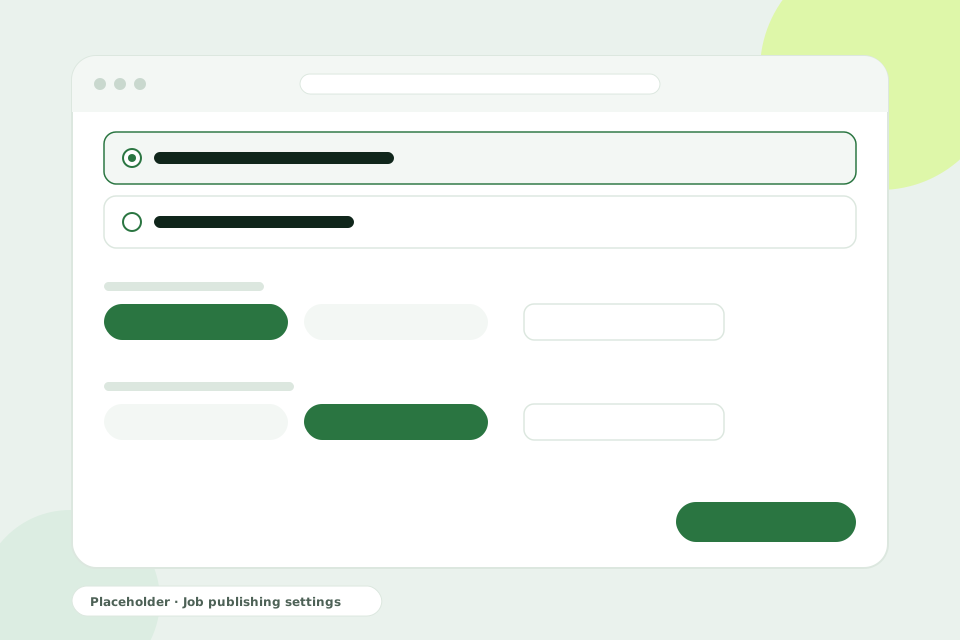
Decide how each job is published and for how long. Each job also has its own application form, so you ask the questions that matter for that role.

  • Public on your career site, or unlisted and shared by direct link
  • Publish now or schedule a date
  • Set a close date, or keep applications open until you close the job
Job publishing settings with visibility, publication date and close date

A Talent Pool that is yours alone

Every application lands in your Talent Pool, your organisation’s own candidate database. Search it in plain text and filter by job, stage, source and applied date when a new job opens.

Your applicants are never shared with any other organisation.

Talent Pool search with filters for job, stage, source and applied date

How it works

From job post to Talent Pool

  1. Brand your site

    Set the theme, fonts, colours, logo and description once.

  2. Create the job

    Write the description and build the application form.

  3. Publish

    Go live now or on a set date, on your career site or by direct link.

  4. Collect applications

    Each candidate applies on your site and receives a confirmation email.

  5. Search later

    Find past applicants in your Talent Pool when the next job opens.

Common questions

Where is our career site hosted?

On a Fibisoft web address. You control its theme, fonts, colours, logo and description.

Can each job ask different questions?

Yes. Every job has its own application form, so you can ask the questions that matter for that role.

Who can see our Talent Pool?

Only members of your organisation. Your applicants are never shared with any other organisation.

Can we publish a job without listing it on our career site?

Yes. Make the job unlisted and share its direct link with the people you choose.

Keep exploring

  • Career Sites

    What candidates see: your job list, job pages, application form and confirmation email.

  • Evaluate

    Your own pipeline stages, rule-based ranking and weighted scorecards. Ranking assists. Your team decides.

  • Startups

    Make your first hires look and feel professional, without a recruitment team.

Show candidates a hiring process they can trust.

Book a demo to see how your career site and Talent Pool would look.

Book a demo