Your list of open jobs
Candidates land on a page in your colours, with your logo, your description and every public job.

Career Sites
Publish your jobs on a site in your colours, with a clear way to apply and an email that confirms each application.
The problem
A flyer on social media rarely tells candidates how to apply or what happens next.
Candidates send a CV and hear nothing, so they apply again or give up.
Each manager writes and shares their own posts, and your brand looks inconsistent.
Candidates land on a page in your colours, with your logo, your description and every public job.
Each job has its own page with the full description and a clear apply button. Share its link wherever candidates look for work.

Each job has its own application form. Ask the questions that matter for the role, and candidates send their CV in the same step.

As soon as they apply, candidates receive an “application received” email with your organisation’s branding.

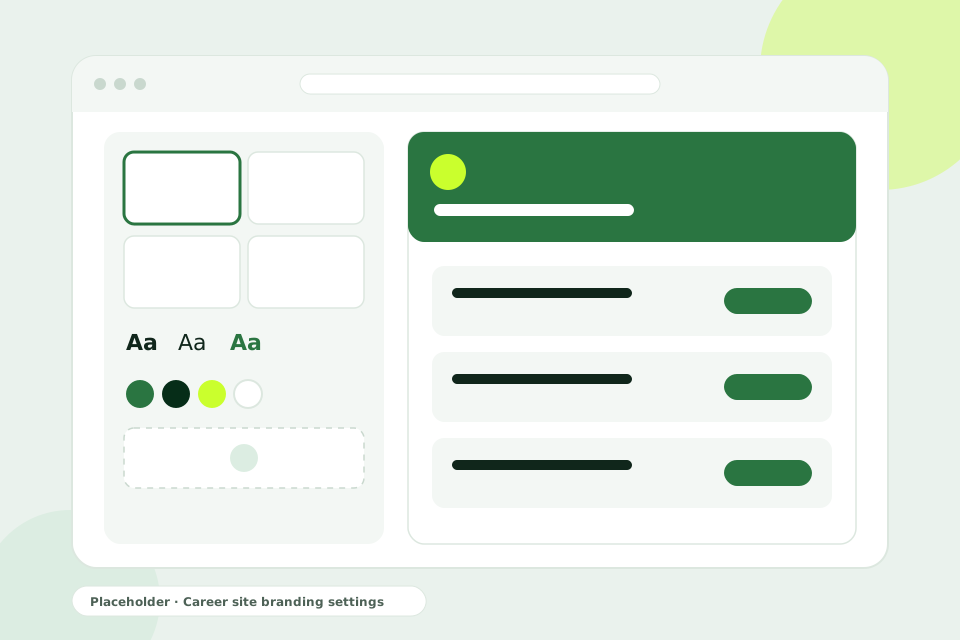
Make the site yours without a designer.
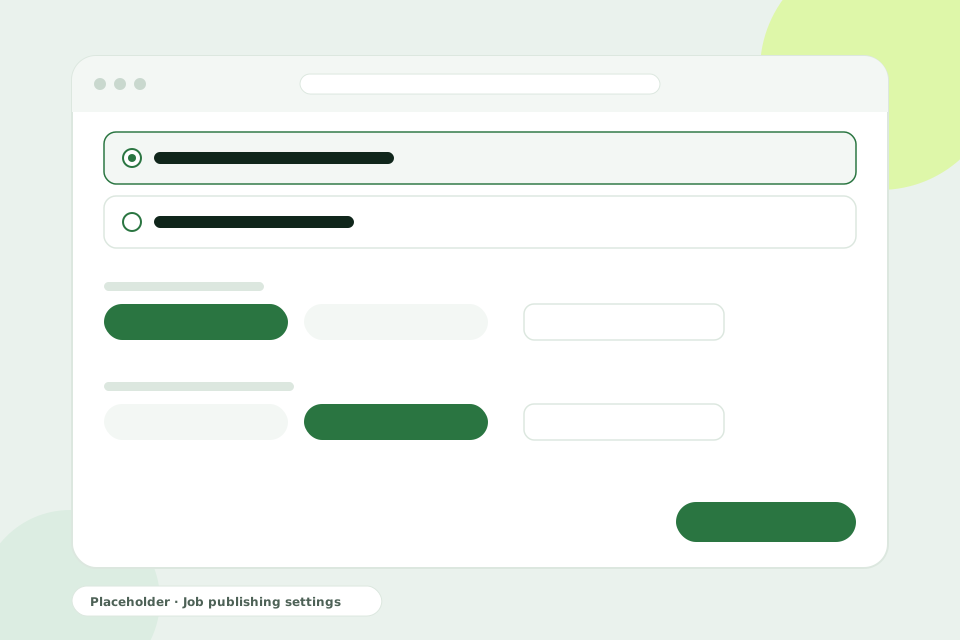
Control how and when each job reaches candidates.
Your career site is served on a Fibisoft web address.
How it works
Pick a theme and a font, set your colours, and add your logo and description.
Write the description and build the application form.
Go live now or on a set date.
Share your career site or a job link wherever candidates find you.
Your career site is served on a Fibisoft web address. Share it on your website, your social pages and in your job posts.
No. You choose a theme, a font and colours, and upload your logo from your settings.
Yes. Unlisted jobs do not appear on your career site and can only be reached through their direct link.
The job stops accepting applications. You can also leave the close date empty and close the job yourself.
A career site in your colours, and a Talent Pool that is never shared with other organisations.
Your hiring team, reviewers on each stage and automatic candidate emails.
Make your first hires look and feel professional, without a recruitment team.
Book a demo and see your jobs on a career site in your colours.
Book a demo