Steps
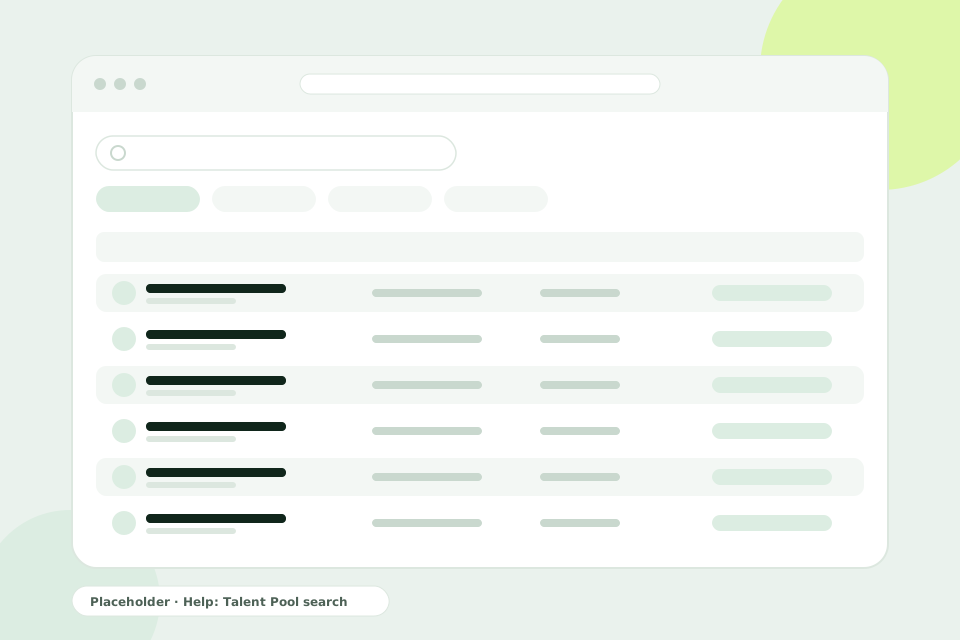
- Open Candidates. In the sidebar, select Candidates. This is your Talent Pool: every candidate who applied to any of your jobs, with one profile each.
- Search. Type a name, an email address or a keyword in the search box. The list updates as you type.
- Filter. Under Filters, narrow the list by Campaign (the job), Stage, Applied on and Source. Select Clear all to start again.
- Open a profile. Select View candidate to see their personal and contact information and their Application history across all your jobs.
- Go to an application. From the history, select View application to review it within its job.
Tips
- When a new job opens, search the Talent Pool before you publish it. A strong past applicant may already be there.
- Your Talent Pool is private to your organisation. Candidates are never shared with other organisations.
- The filters you apply also shape what you export with Export, if CSV export is included in your plan.